A simple, secure way to manage Apple devices at work

Apple Business Manager
Apple Business Manager is Apple’s free business portal designed for organisations of Apple devices in a professional environment. It acts as a central place where businesses can manage their Apple devices, users and app licences, ensuring that devices are owned by the company and set up in a consistent, secure way from day one.
It allows your business to:
-
Automatically enrol new Apple devices into management
-
Assign devices to your company, not to individual users
-
Create and manage Managed Apple IDs for staff
-
Deploy apps and licences without Apple IDs on devices
-
Prepare devices before they ever reach the user
Apple Business Manager on its own does not manage devices. It needs an MDM solution to actually apply settings and policies. That’s where Mosyle comes in.

Mosyle MDM
Mosyle is a modern Mobile Device Management (MDM) platform built specifically for Apple devices. It works hand in hand with Apple Business Manager.
With Mosyle, you can:
-
Enrol devices automatically during first startup
-
Configure Wi-Fi, email, VPN and security settings
-
Enforce FileVault, passcodes and system policies
-
Install and update apps remotely
-
Restrict system features where needed
-
Lock, wipe or recover devices if they are lost or stolen
-
Manage macOS, iOS and iPadOS from one dashboard
All of this happens silently in the background, without disrupting your users.
How Apple Business Manager and Mosyle work together
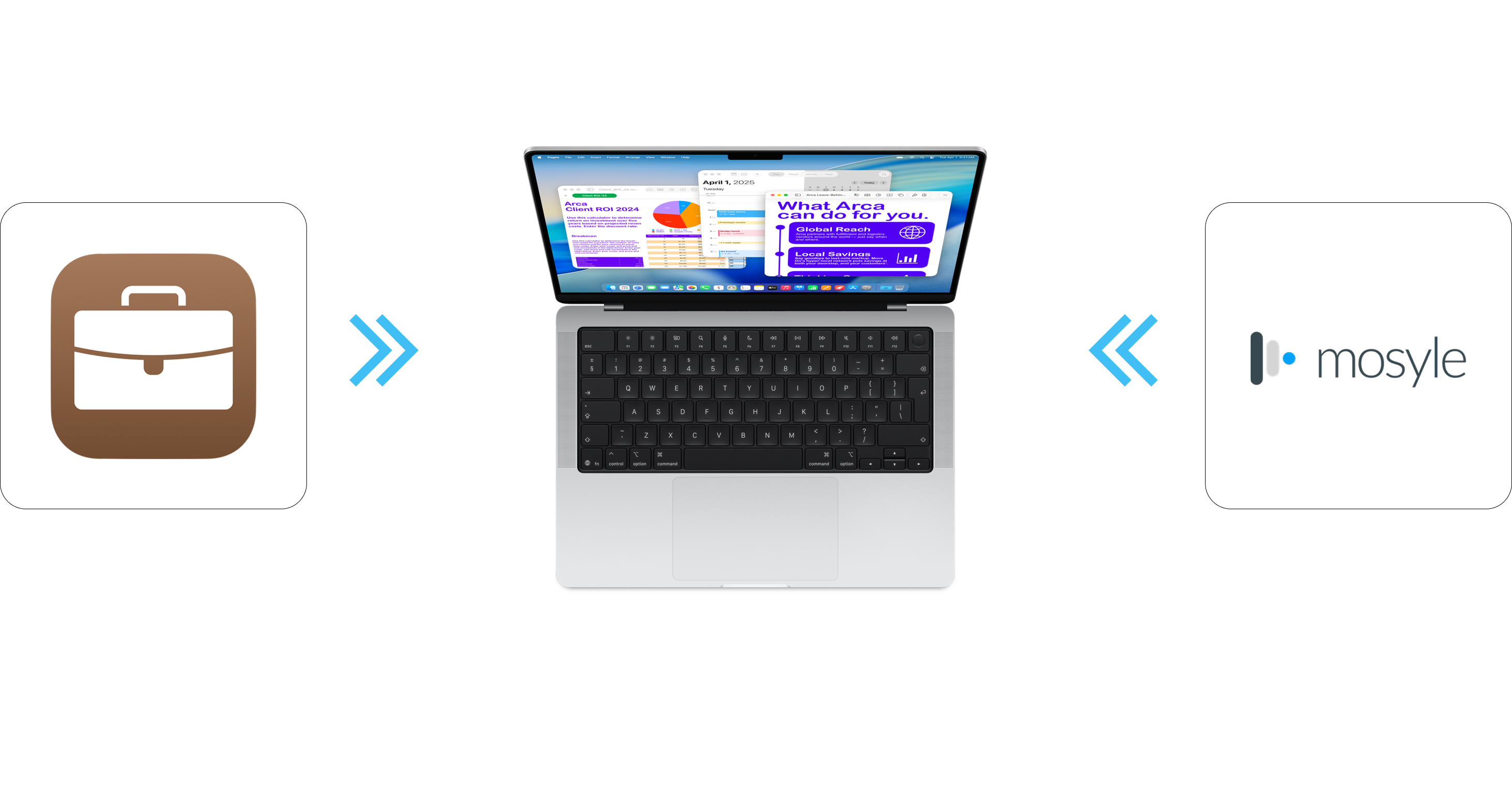
Apple Business Manager and Mosyle are designed to complement each other. Each covers a different aspect of managing Apple devices, and together they provide a complete, reliable setup for professional use.
Apple Business Manager is used to define ownership and prepare devices for management. Mosyle then takes care of the day-to-day configuration, security and administration. Used together, they allow devices to be set up in a consistent and controlled way, without manual preparation.
Devices are added to Apple Business Manager and assigned to Mosyle before they are used by staff. When a user turns on a new Mac, iPhone or iPad for the first time, the device recognises that it belongs to the organisation and enrols itself automatically.
During this initial setup, Mosyle applies the required settings in the background. Wi-Fi, email, security policies, applications and restrictions are configured without user intervention. The result is a device that is ready to work quickly and follows your company standards from the start.
Get in touch with iSupport for all bespoke Mobile Device Management needs